
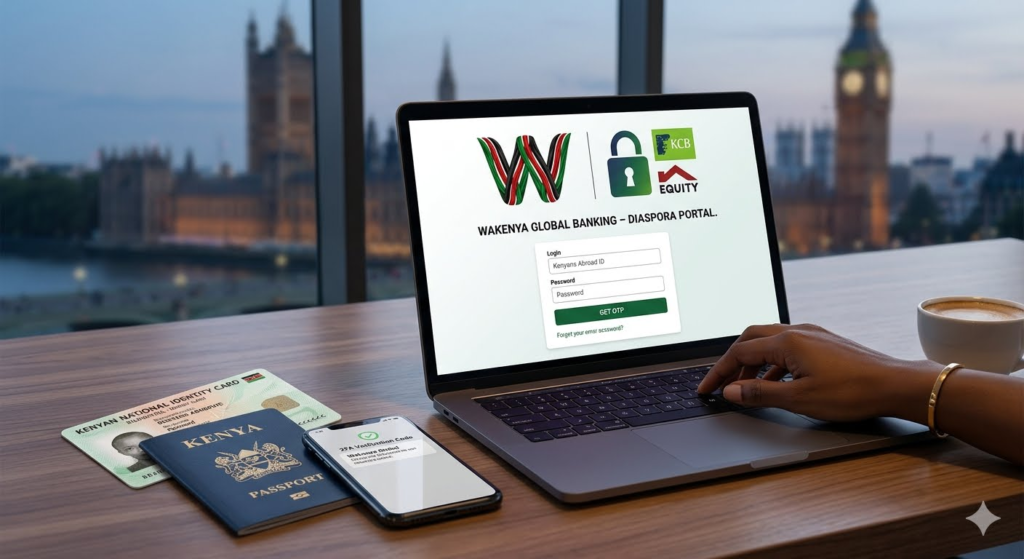
Step-by-Step Guide: How to Open a KCB or Equity Bank Diaspora Account Online Safely
For Kenyans living abroad, setting up a secure financial foundation back home starts with opening a dedicated diaspora banking account. Having a formal bank account in Kenya allows you to build savings, manage local utility bills, invest in high-yield government securities, and access property financing without relying on risky informal channels.
Both Kenya Commercial Bank (KCB) and Equity Bank have revolutionized their onboarding processes, allowing you to complete your entire account setup online from anywhere in the world.
This step-by-step guide explains how to safely open a KCB or Equity Bank diaspora account online, outlines the required documentation, and highlights security tips to protect your hard-earned money.
Phase 1: Preparing Your Verification Documents
Before launching either bank’s digital portal, you must gather and scan your verification documents. Having clear, high-resolution color copies ready prevents processing delays or application rejections.
No matter which bank you choose, you will need to prepare the following mandatory items:
- Proof of Kenyan Identity: A valid Kenyan Passport or your National Identity Card (ID).
- Proof of Foreign Residence: A recent utility bill (electricity, water, gas), a bank statement from your host country, or an active lease agreement showing your full name and foreign address.
- Valid Visa or Work Permit: Documentation proving your legal residency status in your current host country.
- Passport-Sized Photograph: A clear, recent digital passport photo taken against a plain white background.
- Tax Information: Your Kenya Revenue Authority (KRA) PIN certificate, alongside your local tax identification number if required by your host country’s regulations.
Phase 2: How to Open an Equity Bank Diaspora Account Online
Equity Bank offers a fully digitized onboarding framework that allows you to manage multi-currency accounts in USD, GBP, EUR, or KES.
- Access the Official Portal: Navigate to the official bank onboarding interface. Do not click random search links; go straight to the verified Equity Bank Diaspora Banking Platform.
- Select Your Preferred Account Type: Choose between a transactional current account, a dedicated savings wallet, or a foreign currency holding account.
- Fill in Your Personal Details: Input your current legal name, contact information, foreign phone number, and employment status.
- Upload Your Documents: Attach the scanned copies of your passport, foreign utility bills, visa, and passport photo into the secure file upload slots.
- Submit and Verify: Review your details for accuracy, accept the terms and conditions, and submit. An Equity Bank diaspora relationship manager will review your submission and activate your global online banking access, usually within 24 to 48 business hours.
Phase 3: How to Open a KCB Bank Diaspora Account Online
KCB Bank provides excellent long-term wealth creation avenues, including specialized diaspora mortgages and direct access to local fixed-income markets.
- Launch the Onboarding Hub: Open your secure browser and head directly to the official KCB Bank Diaspora Banking Portal.
- Choose the “Simba Diaspora Account”: This is their premier transactional and savings account for citizens abroad, featuring zero monthly maintenance fees.
- Complete the Digital Application Form: Enter your demographic data, career details, and next-of-kin contact points for security tracking.
- Upload Your Credentials: Upload clear color scans of your Kenyan ID/passport, foreign residence verification documents, and your digital passport-sized photograph.
- Video Verification (If Prompted): In some regions, KCB utilizes a brief automated video selfie capture to verify your physical identity against your passport photo for maximum security.
- Confirmation: Once submitted, you will receive an automated tracking code via email. Your account details and secure mobile banking credentials will be dispatched once document verification is finalized.
Crucial Cyber-Security Tips for Diaspora Banking
Managing your finances across borders requires strict digital safety habits to protect your capital from online scammers:
- Always Verify the Web Address: Ensure the website link starts with
https://and displays a secure padlock icon in your address bar before typing your password. - Never Share Your PIN or Passwords: No customer care agent from KCB or Equity Bank will ever ask for your password, mobile banking PIN, or One-Time Password (OTP) codes via email, WhatsApp, or phone call.
- Use Strong Two-Factor Authentication (2FA): Enable SMS or authenticator app confirmations for every transaction to ensure no unauthorized transfers can occur from your wallet.
Summary Comparison of Account Onboarding
| Feature | Equity Bank Onboarding | KCB Bank Onboarding |
|---|---|---|
| Primary Portal | Equity Onboarding Hub | KCB Simba Dashboard |
| Processing Time | 24 – 48 Hours | 24 – 48 Hours |
| Account Opening Fee | Free | Free |
| Minimum Balance | Zero on standard accounts | Zero on standard accounts |
Published By Dan Barasa The C.E.O Wakenya TV
